Understanding TradingView: Core Features and Benefits
In today's fast-paced trading environment, platforms that offer real-time data, professional-grade charts, and seamless alert mechanisms are more crucial than ever. TradingView stands out as a leading solution for traders, allowing users to analyze various markets effectively. With functionalities that cater to both novice and experienced traders, TradingView simplifies the complexities of technical analysis, making it accessible to a broader audience. This overview will delve into what TradingView is, its key features, and how it enhances the trading experience.
What is TradingView and How Does It Work?
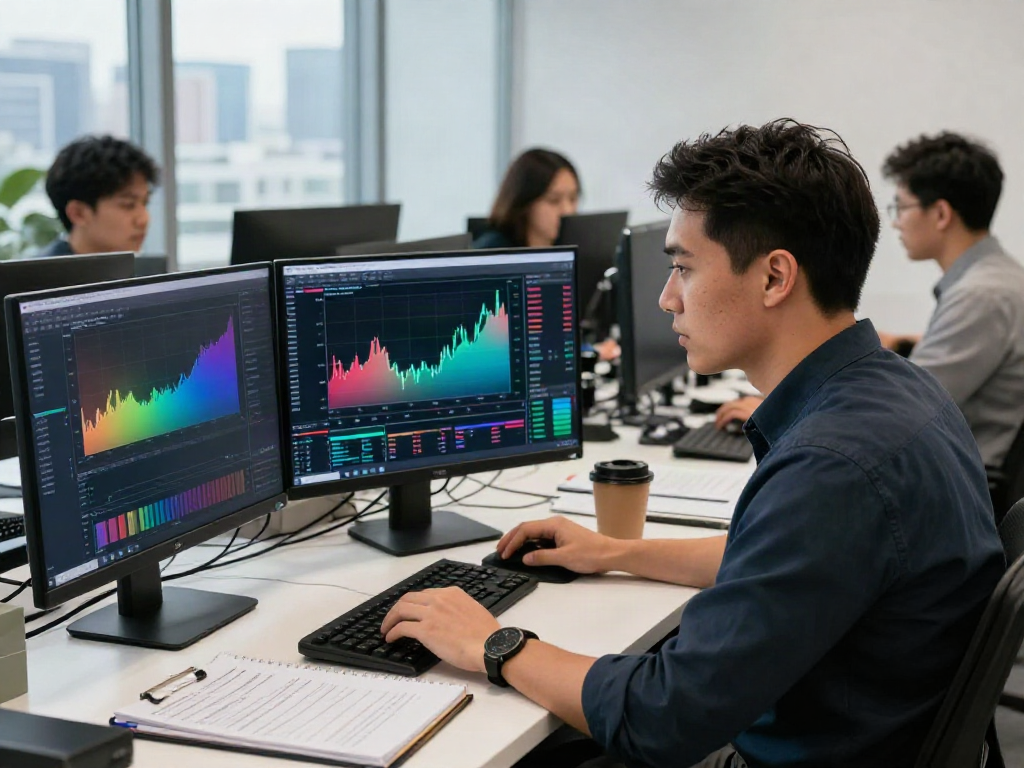
TradingView is a web-based charting platform that provides a comprehensive suite of tools for analyzing financial markets. It allows users to view real-time data across multiple asset classes, including stocks, cryptocurrencies, forex, and more. By aggregating vast amounts of market data, TradingView empowers traders to make informed decisions backed by technical analysis. The platform is user-friendly and supports a wide range of devices, ensuring that traders can access their accounts and data anytime, anywhere.
Key Features: Charting, Alerts, and Market Screening
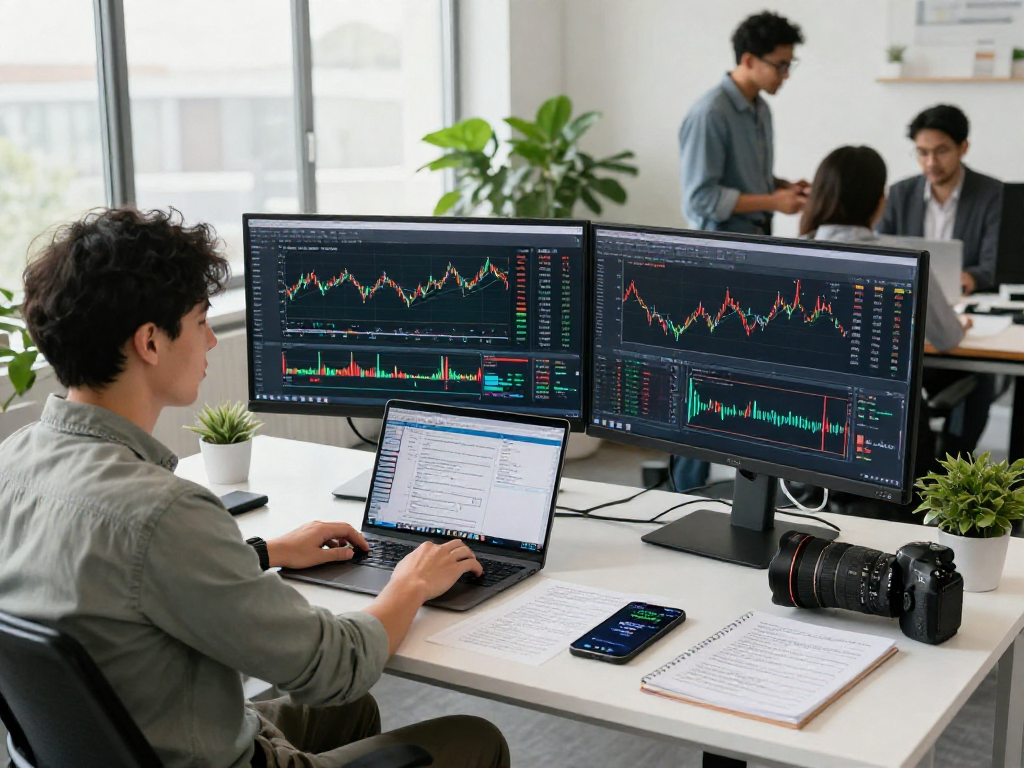
One of the primary attractions of TradingView is its advanced charting capabilities. Users can customize their charts with various indicators, overlays, and drawing tools to fit their trading strategies. Additionally, the alert system is a game changer, enabling traders to set price or condition-based notifications, significantly reducing the time spent monitoring positions. Moreover, the market screening feature allows users to filter and identify trading opportunities based on specific criteria, further enhancing the decision-making process.
User Experience: Multi-Device Functionality
The seamless integration across multiple devices is another standout feature of TradingView. Whether using a desktop computer, tablet, or smartphone, users can maintain a consistent workflow. The platform's design ensures that all settings and customized layouts sync across devices, offering unparalleled convenience for traders who need to switch between platforms throughout the day.
Advanced Chart Analysis with TradingView
TradingView serves as an essential tool for traders seeking to leverage advanced technical analysis methods. It combines user-friendly interfaces with sophisticated analysis tools, making it ideal for those who wish to deepen their understanding of market movements.
Best Practices for Technical Analysis
To maximize the utility of TradingView’s charting features, traders should adopt best practices for technical analysis. This includes familiarizing oneself with key indicators such as Moving Averages, RSI, and MACD, and understanding how to interpret trend lines and support/resistance levels. By integrating these tools into their trading strategies, users can improve their market predictions and trading outcomes.
Using Indicators and Drawing Tools Effectively
Indicators play a vital role in enhancing chart analysis. TradingView offers a plethora of customizable indicators that traders can overlay on their charts. For instance, using Fibonacci retracement levels can help identify potential reversal points in the market. Additionally, the drawing tools enable traders to mark significant price levels, further refining their analysis.
Real-World Examples of Chart Analysis
Consider a trader analyzing a stock that has been experiencing a bearish trend. By employing the Moving Average convergence divergence (MACD) indicator, they notice a potential bullish crossover. This signal could indicate an impending price reversal, providing the trader with a timely opportunity to enter or exit a position.
Setting Up Alerts: Maximizing Trading Opportunities
The alert feature in TradingView is invaluable for traders looking to optimize their trading strategy without being glued to their screens. Alerts can be tailored based on various parameters, providing a safety net for traders who desire to act swiftly on market changes.
How to Create and Customize Alerts
Creating alerts on TradingView is a straightforward process. Users can set conditions based on price levels, technical indicators, or even complex strategies involving multiple conditions. Customization options allow traders to choose how and when they receive notifications, whether via email, SMS, or in-app alerts.
Types of Alerts: Price vs. Technical Condition
Alerts can be categorized into two main types: price alerts and technical condition alerts. Price alerts trigger notifications when an asset reaches a designated price point, while technical condition alerts notify traders of specific market conditions being met, such as a crossover of indicators. This flexibility ensures that traders can customize their alert preferences according to their trading strategies.
Case Studies: Successful Trades Using Alerts
For example, a trader might set a price alert for a stock that has historically reacted positively at a specific support level. Once the alert is triggered, they can assess the market conditions before making a buy decision, thereby leveraging the alert system to enhance their trading strategy.
Cross-Device Usage: Trading on the Go
In an increasingly mobile world, the ability to trade on-the-go is paramount. TradingView recognizes this need and provides comprehensive mobile support, allowing traders to access their accounts and charts wherever they are.
Accessing TradingView on Different Devices
TradingView is accessible from any standard web browser on desktop and offers dedicated applications for both iOS and Android devices. This cross-platform functionality ensures that users can maintain their trading activities without interruption, regardless of their location.
Maintaining Workflow Across Platforms
Maintaining a consistent workflow is essential for traders who utilize multiple devices. TradingView’s synchronized accounts mean that all settings, alerts, and chart layouts will remain consistent, helping traders transition smoothly between devices while keeping their strategies intact.
Comparing Desktop and Mobile Experiences
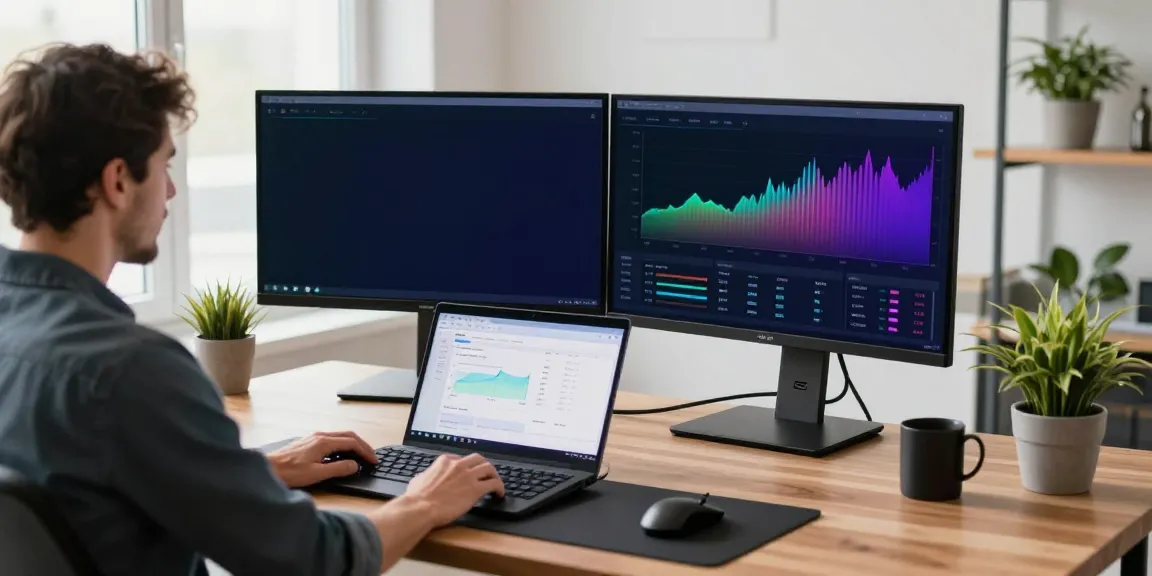
While the desktop version of TradingView offers expansive capabilities, including multi-monitor setups and advanced charting tools, the mobile app ensures that users can respond to market changes in real-time. Both platforms are designed to complement each other, providing a comprehensive trading experience that adjusts to the user's needs.
Common Questions About TradingView: FAQs
As a multifaceted trading platform, TradingView often raises several questions among potential users. Below are some of the most common inquiries addressed.
Is TradingView Suitable for Beginners?
Yes, TradingView caters to both beginners and experienced traders. Its intuitive interface and wealth of educational resources make it an excellent starting point for newcomers to the trading world.
How Does TradingView Compare to Other Platforms?
TradingView's unique features, such as its community-driven insights and social networking capabilities, set it apart from other trading platforms. Users can share their analyses and trading ideas with a global community, enhancing their learning and trading experience.
What Are the Subscription Options for TradingView?
TradingView offers multiple subscription levels, including a free plan that provides basic functionalities and several paid tiers that unlock advanced features. These tiers cater to various user needs, from casual traders to professional market analysts.